Coordinators chase updates across separate chats.
Keep the customer thread and internal context in one workspace.

For Operations Teams
Coordinate customer confirmations, reminders, and service follow-ups with a visible owner and a record of what still needs to happen.
See how the workflow works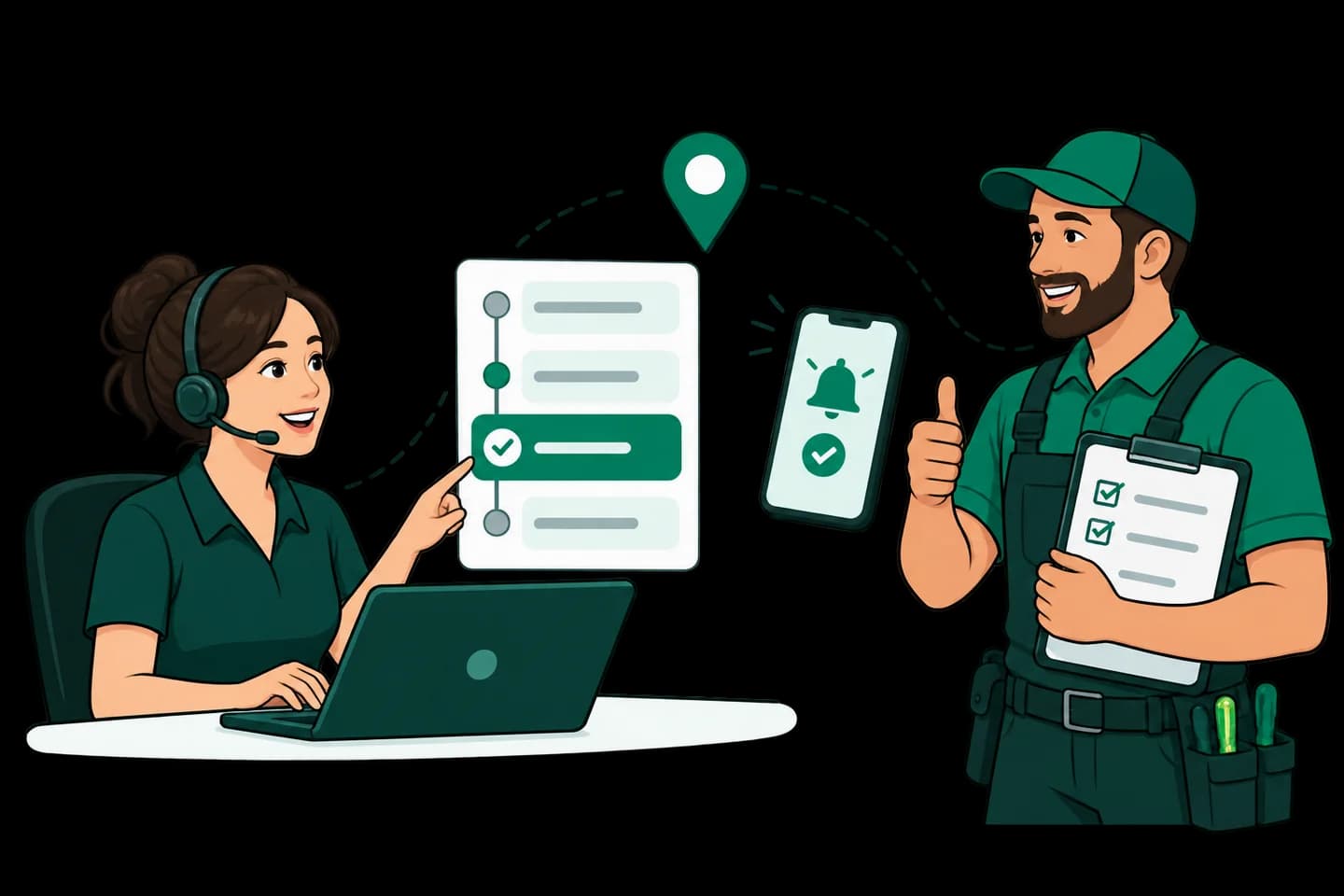
Is this your day-to-day?
Keep the customer thread and internal context in one workspace.
Prepare repeatable templates and configure supported automation steps.
Assign ownership and track a follow-up with a due date.
How it works
Start with a focused journey, agree who owns each step, and test it before expanding.
Capture the customer reference and the information needed to coordinate the job.
Check the schedule or service information against your source system.
Give a teammate ownership and prepare the appropriate customer update.
Record completion or reschedule the next step and notify the customer when appropriate.
A customer example
See what your team collects, who takes responsibility, and how the next action stays connected.
“Can you confirm when the technician will visit?”
Illustrative scenario, not a live customer conversation. Actions depend on your configuration.
The coordinator identifies the appointment without exposing unnecessary personal information.
A teammate verifies the actual service time in the source system.
The team sends the confirmation and creates any required follow-up.
The outcome to aim for
The update reflects the real schedule, with an owner for anything still pending.
The tools behind the workflow
Prepare service templates, structured Flows, and supported automation actions around your process.
Explore workflow building blocksUse assigned conversations and follow-ups to give each action a responsible person and a due date.
Explore ownership and follow-upsScope the source fields, events, and failure handling for an API or webhook integration. Data is not synced automatically just by signing up.
Discuss your service integrationBefore your first live conversation
Choose one repeatable service process and its owner.
Identify the authoritative schedule or service record.
Define templates, triggering events, and exception handling.
Live messaging requires a connected WhatsApp Business Account and applicable Meta setup and approvals. Workspace subscriptions and Meta messaging charges are separate. Custom integrations and automation need configuration.
Questions, answered
Practical answers about the workflow, setup, and what is not automatic.
Not necessarily. Keep your authoritative scheduling or dispatch system and connect the customer-facing communication around it.
Only the actions and triggers you configure are automated. Unconfigured steps still need a teammate or integration.
Create an owned follow-up with a due date and keep relevant notes with the customer record.
Verify the latest details in the source system, update the pending action, and use an appropriate customer message or template.
Another team involved in the journey?
Your next step
Bring your use case, source systems, and team requirements. We can walk through the setup and the next steps.